Your own API key
Paste a key from Anthropic, OpenAI, Google Gemini, OpenRouter, xAI, DeepSeek or Moonshot. Your provider bills you directly for what you use.
Fast. Nothing to install.
 Quizmark for YouTube™
Quizmark pauses long videos at natural breaks, asks a few questions about what you just watched, and shows you the exact moment each answer came from.
No account. Works with your own AI key or a model on your computer.
Quiz 1 of 4
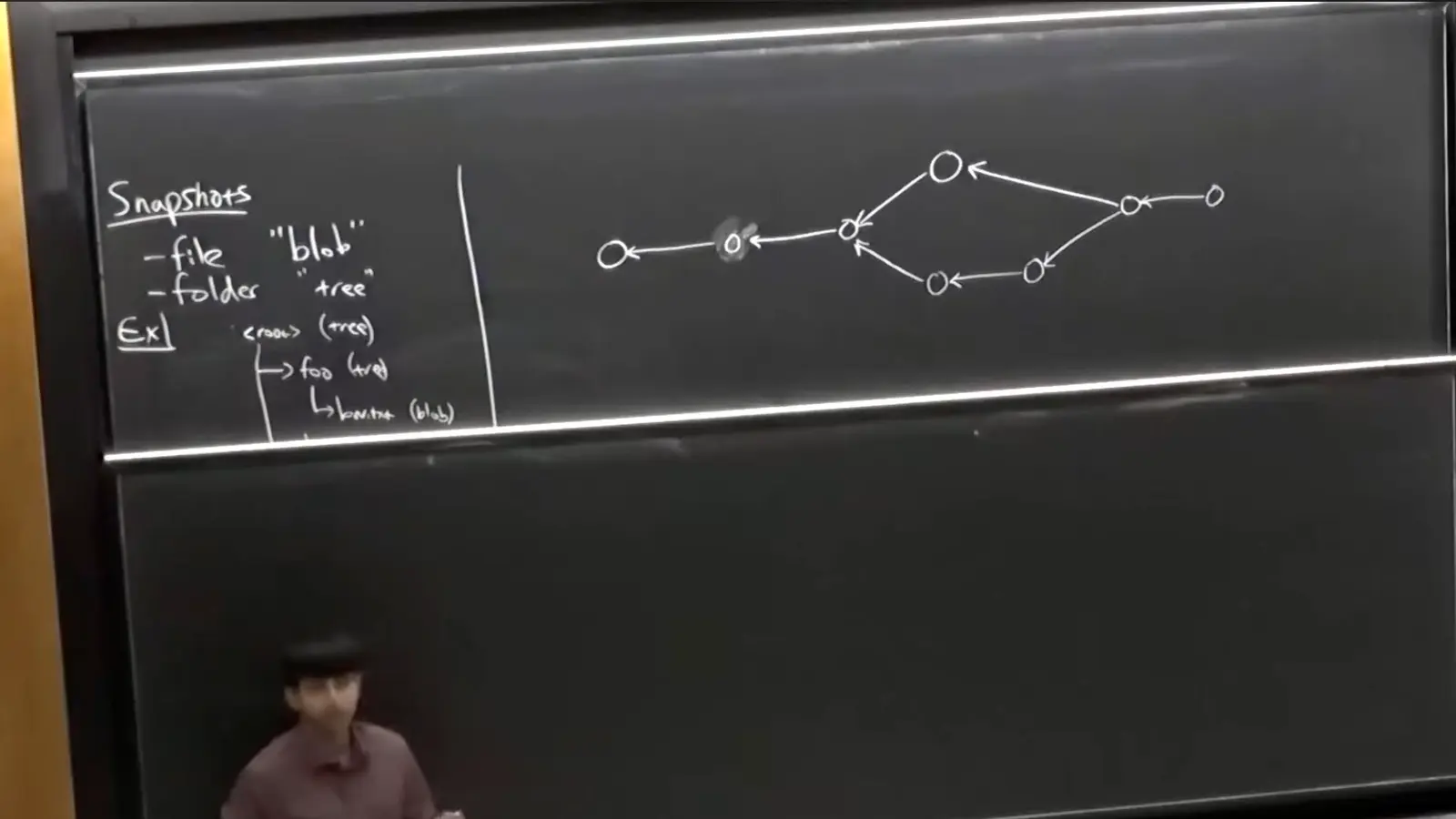
How Git represents snapshots of code as trees and blobs, and how commits form a history graph.
Any YouTube video, divided the way you want.
Questions are written in the background from the video’s captions, before you reach them.
Quizmark waits for a chapter change or a pause in speech, then asks only about the stretch you just watched.
Not sure? Watch button replays the passage behind the question, then brings you back. Your place is kept.
Before the video ends, one last quiz brings back questions from the whole thing.
62%average score on a test the next day, for students who answered four quick questions during an online lecture
54%average score for students who reviewed the same material instead
703 university and community-college students. The study tested in-lecture quizzes in general, not Quizmark. Chan et al., Communications Psychology, 2025
There’s no Quizmark account or subscription. Questions are written by a model you choose.
Any YouTube video with captions, including auto-generated ones: lectures, tutorials, talks, interviews, explainers. Quizmark reads the captions and never downloads the video or its audio, so a video without captions isn’t supported.
About every 15 minutes by default, and you can choose anything from 5 to 45. Or turn pauses off and open a quiz from its mark on the timeline whenever you like.
Quizmark is free. With an API key, your provider charges for usage, separately from any ChatGPT or Claude subscription. A local model costs nothing to run. Quizzes are saved, so rewatching or retaking one never costs twice.
Every question is checked against the video before you see it, but AI still makes mistakes. Press Watch to hear the passage yourself, and report the question from its answer screen.
Chrome today. Firefox and Safari versions are in progress.
Quizmark waits for natural breaks instead of a fixed timer, checks each question against the video, and links every answer to the moment it comes from. See the comparison.
Firefox and Safari coming soon.